
Essential Web Design Trends Every Business Should Consider (2025 Edition)
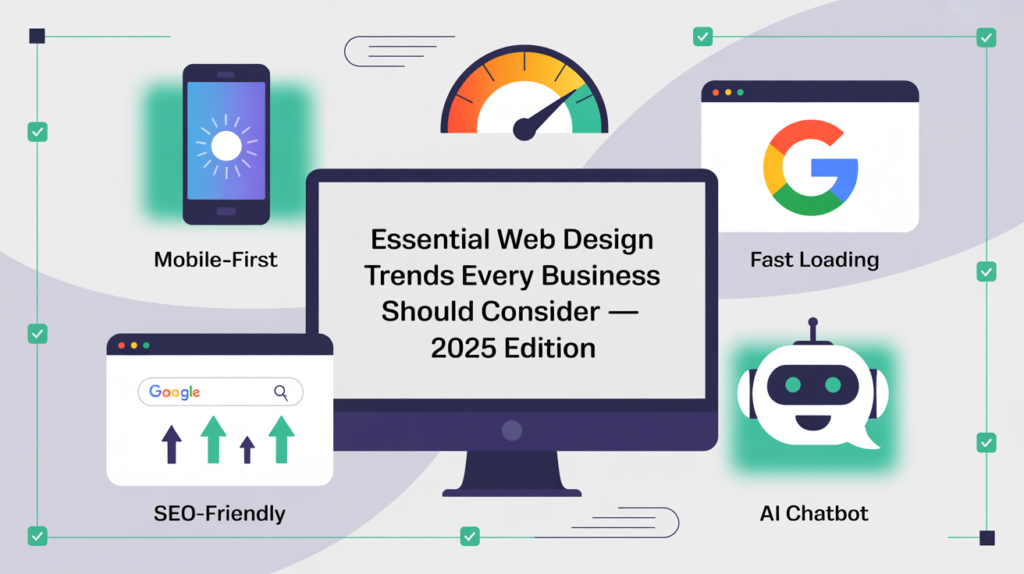
Stay Current. Stay Competitive. Win Online. Introduction: Why 2025 Is a Make-or-Break Year for Your Website Your website isn’t just a digital business card; it’s your best salesperson, your 24/7 storefront, and often the very first impression customers have of your brand. In 2025, consumer expectations are higher than ever, and competition online is fierce. If your website feels outdated, loads too slowly, or isn’t designed with modern user experience in mind, you’re not just losing clicks, you’re losing customers. The good news? By staying ahead of web design trends in Canada, you can create a site that not only attracts visitors but converts them into loyal customers. In this guide, we’ll explore the essential web design trends every business should consider in 2025, and how small business owners, local service providers, and entrepreneurs can leverage them to grow their online presence. 1. Minimalist, Conversion-Driven Design Cluttered websites are a thing of the past. Modern design is all about clarity, simplicity, and guiding users toward action. Why It Matters: A clean layout helps visitors focus on your offers. Easy navigation reduces bounce rates. Simplicity improves conversions by eliminating distractions. Actionable Tip for Canadian Businesses: If you run a local service (e.g., a plumbing company in Ottawa), highlight your key services and include a clear “Book a Free Consultation” button above the fold. Don’t bury your value under too much text or graphics. 👉 At Webby Guy Studio, we specialize in creating website redesign services that streamline your site and turn visitors into paying clients. 2. Mobile-First & Responsive Everything In Canada, more than 70% of website traffic now comes from mobile devices. If your website isn’t mobile-friendly, you’re already losing business. Why It Matters: Google ranks mobile-friendly sites higher in search results. Customers expect seamless browsing across all devices. A poor mobile experience can destroy trust instantly. Local Business Example: Imagine a restaurant in Ottawa. If a potential customer can’t read your menu or click your phone number easily from their smartphone, they’ll move on to your competitor. ✅ Webby Guy Studio builds responsive websites that look amazing and function flawlessly on any screen. 3. Fast-Loading Websites = Better Conversions Website speed is no longer optional; it’s critical. Research shows that if a page takes more than 3 seconds to load, 53% of users will leave. Key Benefits of a Fast Site: Higher Google rankings. Better user experience. Increased conversions. Actionable Tip: Compress your images, use a reliable hosting provider, and enable caching. Tools like Google PageSpeed Insights can help you track performance. 👉 Our team at Webby Guy Studio provides website redesign services focused on speed optimization—because every second counts. 4. Personalized, SEO-Friendly Content Content isn’t just about filling space; it’s about connecting with your audience and helping you rank on Google. 2025 SEO for Small Businesses: Write content tailored to local searches (e.g., “dentist in Ottawa” or “best contractor in Toronto”). Use clear calls to action to guide readers. Add trust-building elements like testimonials and case studies. Local Example: A landscaping business could add a blog on “Top 5 Landscaping Tips for Ottawa Winters” to attract local search traffic. ✅ At Webby Guy Studio, we combine SEO for small businesses with robust web design to boost both traffic and conversions. 5. AI-Powered Chatbots & Smart Integrations In 2025, AI isn’t just a buzzword; it’s a customer service tool. AI chatbots can answer questions instantly, qualify leads, and book appointments without human intervention. Why This Works: Customers get 24/7 support. Businesses save time and resources. Leads are captured even when you’re offline. Local Example: An Ottawa law firm could integrate a chatbot that answers basic questions and lets clients schedule consultations instantly. 👉 We help businesses integrate innovative tools into their websites so you never miss a lead again. 6. Strong Visual Branding & Storytelling Your brand identity should shine through your website. Customers don’t just buy products; they buy stories, trust, and experiences. Actionable Design Tips: Use consistent brand colors across web and print. Add authentic photos of your business instead of stock images. Tell your story in a way that resonates with your target audience. Example: If you’re a family-owned bakery, showcase your history and passion for baking—it creates emotional connection and loyalty. ✅ Our team ensures brand consistency across digital and print, giving your business a unified professional look. 7. Accessibility & Inclusive Design Accessibility is no longer optional—it’s essential. Designing for inclusivity not only avoids legal issues but also expands your reach. Best Practices: Use high-contrast text for readability. Add alt-text to all images. Ensure navigation works with screen readers. Local Example: A wellness clinic in Ottawa can reach a wider audience by making its booking system accessible to people with visual impairments. 👉 Webby Guy Studio builds websites that comply with accessibility standards, ensuring no customer is left behind. 8. Conversion-Focused Website Strategies It’s not enough to have a beautiful site; it must generate leads and sales. Top Website Conversion Strategies for 2025: Clear and visible CTAs. Lead magnets (free guides, eBooks, or checklists). Social proof (reviews, testimonials, case studies). Simple, user-friendly forms. Local Example: A fitness trainer in Ottawa could offer a free “7-Day Meal Plan” in exchange for email sign-ups, building a client list for future promotions. ✅ At Webby Guy Studio, we design websites that aren’t just visually stunning but also conversion-focused to drive results. Conclusion: Stay Ahead, Stay Winning Your website is more than a digital brochure, it’s the heart of your online presence. By adopting these essential web design trends of 2025, you’ll not only attract more visitors but also convert them into long-term customers. 👉 If your current site isn’t performing, it’s time for a website redesign. 👉 If you’re struggling to rank on Google, you need SEO for small businesses. 👉 If you want more leads and sales, you need conversion-focused website strategies. At Webby Guy Studio, we help small business owners, entrepreneurs, and local service providers in Canada build websites that work harder, load faster,
The Complete Guide to Local SEO for Small Businesses
If you’re a small business owner in Canada, you’ve probably asked yourself: “How do I get more local customers to find me online?” The answer is simple—Local SEO (Search Engine Optimization). It’s one of the most powerful tools for small businesses, yet many entrepreneurs still overlook it. In today’s digital-first world, showing up on Google Maps or in the top search results can be the difference between thriving and barely surviving. In this guide, we’ll break down everything you need to know about Local SEO for small businesses, what it is, why it matters, and exactly how you can implement it. By the end, you’ll have practical steps you can use to attract more customers, grow your revenue, and future-proof your online presence. What Is Local SEO (and Why It Matters for Small Businesses)? Local SEO is the process of optimizing your website and online presence so that your business appears when people search for products or services in your area. Think about it: when someone types “plumber near me” or “best bakery in Ottawa” into Google, they’re ready to make a decision. If your business isn’t showing up, you’re handing customers over to your competitors. Why Local SEO Is Essential: Higher visibility: Appear in Google’s “Local Pack” (the top 3 map listings). Increased traffic: Attract more visitors who are actively looking for what you offer. Better conversions: Local searchers are often ready to buy, making them more likely to convert. At Webby Guy Studio, we help Canadian businesses tap into this goldmine of opportunity through innovative, affordable website redesign services and SEO for small businesses. How Local SEO Works in Canada Google’s algorithm looks at three main factors when ranking local businesses: Relevance – Does your business match what the person is searching for? Proximity – Is your business close to the searcher’s location? Prominence – How trustworthy and well-known is your business online? The good news? You can influence all three with the right strategy. Step-by-Step Guide to Local SEO Success 1. Optimize Your Google Business Profile Your Google Business Profile (GBP) is the foundation of Local SEO. Claim and verify your profile. Add accurate business information (name, address, phone, hours). Upload professional photos of your business. Post regular updates and promotions. 💡 Example: A dentist in Ottawa who updates their GBP with holiday hours and patient photos (with permission) is more likely to rank higher in local searches. 2. Get Reviews (and Respond to Them) Customer reviews are digital word-of-mouth. Ask satisfied customers to leave a Google review. Respond to every review—positive or negative. Showcase reviews on your website and social media. 👉 Pro Tip: Encourage clients to use keywords in their reviews, like “best web design in Canada” or “amazing website conversion strategies.” 3. Localize Your Website Content Your website should reflect your local focus. Add your city and region to page titles, headers, and meta descriptions. Create service pages for the different areas you serve. Publish blog posts about local events, news, or tips. 💡 Example: A landscaping company in Toronto could write a blog titled “Top 5 Backyard Design Trends in Toronto (2025 Update).” 4. Ensure Mobile-Friendly, Fast-Loading Pages Local customers search on the go. If your site loads slowly, they’ll bounce. Invest in website redesign services if your site feels outdated. Use responsive design to look great on phones and tablets. Optimize images and clean up your code for speed. 👉 At Webby Guy Studio, we specialize in creating fast, mobile-first websites that turn visitors into customers. 5. Build Local Citations A citation is any online mention of your business (name, address, phone). Submit your business to directories like Yelp, Yellow Pages, and local chambers of commerce. Ensure consistency across all listings—mismatched phone numbers hurt your rankings. 6. Create Location-Specific Landing Pages If you serve multiple cities, create a landing page for each one. Include unique content about services in that area. Add testimonials from local customers. Highlight local partnerships or case studies. 💡 Example: A law firm could have separate pages for “Family Lawyer in Ottawa” and “Family Lawyer in Toronto.” 7. Use Website Conversion Strategies Getting traffic is great—but converting it into leads is better. Add clear calls-to-action (book a consultation, request a quote). Use forms that are simple and mobile-friendly. Offer lead magnets like free guides or checklists. 👉 Webby Guy Studio helps small businesses turn their websites into lead-generating machines with strategic conversion-focused design. Practical Tips for Canadian Small Businesses Here are a few local business website tips tailored for Canadian entrepreneurs: Mention Canadian holidays or local events in your content. Use Canadian spelling (optimise → optimize) consistently. Highlight your local credibility (e.g., “Serving Ottawa since 2016”). Embed a Google Map on your contact page. Why Choose Webby Guy Studio for Local SEO? At Webby Guy Studio, we don’t just design websites—we build growth engines. We’ve helped small businesses, service providers, and entrepreneurs across Canada boost their visibility with: SEO-optimized websites Smart website redesign services Local business website tips tailored for Canadian markets Website conversion strategies that bring real results We understand the challenges of local businesses because we’re one, too. That’s why our approach is practical, affordable, and results-driven. Ready to Get Found Online? If you’re serious about growing your business in your local market, you can’t afford to ignore Local SEO. Your competitors are already optimizing—don’t let them take your customers. 👉 Book a free consultation with Webby Guy Studio today. 👉 Request a quote for SEO or website redesign services. 👉 Download our free guide: “5 Quick Wins to Boost Local SEO in 2025.” Conclusion: Take Action Now Local SEO is no longer optional—it’s essential. By optimizing your Google Business Profile, collecting reviews, creating localized content, and investing in a fast, mobile-friendly site, you can dominate your local market. Your customers are searching for businesses like yours right now. The only question is: will they find you or your competitor? At Webby Guy Studio, we’re here to make sure it’s YOU. Contact Us Today
Must-Have WordPress Plugins for Performance and SEO (2025 Guide)
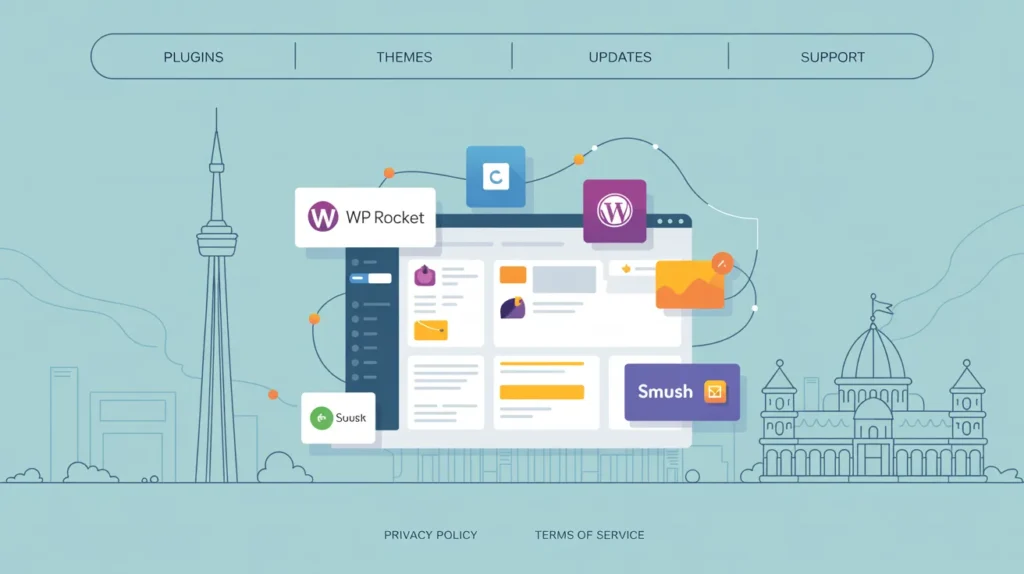
Boost Your Website’s Speed, Visibility & Success—One Plugin at a Time Your website isn’t just an online brochure; it’s your digital storefront, your 24/7 salesperson, and often the first impression a customer has of your business. But here’s the truth: even the most beautifully designed website can fail if it’s slow, invisible on Google, or challenging to navigate. That’s where WordPress plugins come in. The correct set of tools can supercharge your site’s performance, improve SEO rankings, and turn casual visitors into paying customers. Suppose you’re a small business owner, service provider, or entrepreneur in Canada. In that case, this 2025 guide will walk you through the must-have WordPress plugins for performance and SEO, plus actionable tips to grow your online presence. Why WordPress Plugins Matter for Small Businesses Before diving into the list, let’s get clear on why plugins are so essential. Boost Website Speed: A fast-loading site means fewer visitors hitting the back button. Improve Google Rankings: SEO-focused plugins help you appear higher in search results. Enhance User Experience: Optimized websites keep visitors engaged longer. Drive Conversions: Smart tools turn clicks into consultations, calls, and sales. For small businesses in Ottawa and across Canada, every second counts—literally. A delay of just two seconds in loading time can reduce conversions by up to 7%. The Top WordPress Plugins for Performance and SEO in 2025 1. Yoast SEO or Rank Math – Your SEO Co-Pilot If you want to rank higher on Google, an SEO plugin is non-negotiable. Yoast SEO: Great for beginners with its simple interface. Rank Math: More advanced features like schema markup and keyword tracking. Both help you: Optimize title tags and meta descriptions. Target focus keywords (like SEO for small businesses). Improve readability with built-in suggestions. 👉 Canadian Example: If you own a plumbing company in Ottawa, Yoast or Rank Math ensures your site appears when locals search “plumber near me”. 2. WP Rocket – Speed Made Simple Speed = SEO + Conversions. WP Rocket is one of the best caching plugins on the market. Benefits include: Faster load times (Google loves this). Image lazy loading for smoother browsing. Simple setup—no developer required. 👉 Example: A bakery website in Toronto saw a 40% traffic boost after speeding up its site with WP Rocket. 3. Smush or Imagify – Image Optimization Made Easy Large, unoptimized images are the #1 cause of slow websites. Smush automatically compresses images without losing quality. Imagify offers bulk optimization and next-gen formats (like WebP). 👉 Pro Tip: Use Smush with WP Rocket for a double-speed advantage. 4. All-in-One SEO (AIOSEO) – A Powerful SEO Alternative While Yoast and Rank Math dominate, AIOSEO is perfect if you want an all-encompassing solution. Features: Smart XML sitemaps for better indexing. Local SEO module (perfect for Canadian businesses). WooCommerce SEO for eCommerce entrepreneurs. 5. MonsterInsights – Track What Matters You can’t improve what you don’t measure. MonsterInsights connects your WordPress site with Google Analytics. See where your traffic comes from. Track conversions (like calls, form submissions, and bookings). Identify your best-performing content. 👉 Example: A fitness coach in Vancouver used MonsterInsights to find out that most clients came from blog posts—so she doubled down on content marketing. 6. Broken Link Checker – Keep Your Site Healthy Nothing turns visitors away faster than broken links. This plugin scans your site for dead links and missing images. Benefits: Fix errors before customers notice. Prevents Google from penalizing your rankings. 7. Elementor (with SEO-friendly templates) – Design Meets Conversion While not purely an SEO plugin, Elementor helps you design high-converting pages that load fast and rank well. Drag-and-drop builder for easy customization. Mobile-friendly templates (crucial for local search). Works seamlessly with caching and SEO plugins. 8. UpdraftPlus – Backup Your Hard Work Performance and SEO don’t matter if you lose your site. UpdraftPlus keeps your website safe with automatic backups to Google Drive, Dropbox, or OneDrive. 👉 Pro Tip: Schedule backups weekly if you run a blog or an e-commerce store. How These Plugins Work Together for Maximum Impact Think of your website like a car. Yoast/Rank Math = The GPS (SEO direction). WP Rocket + Smush = The engine (speed). MonsterInsights = The dashboard (analytics). UpdraftPlus = The insurance policy (backups). When combined, these tools ensure your site runs smoothly, ranks high, and attracts customers. Actionable Tips for Canadian Small Businesses Focus on Local SEO: Use plugins that support local keywords like “Ottawa web design services” or “Toronto roofing company.” Prioritize Mobile Performance: Over 70% of searches happen on mobile. Plugins like WP Rocket and Smush keep your site fast on phones. Regularly Monitor Analytics: Plugins like MonsterInsights help you adjust strategies based on real data. Don’t Overload Plugins: Choose quality over quantity—too many can slow down your site. Why Work with Webby Guy Studio? Installing plugins is just one piece of the puzzle. At Webby Guy Studio, we don’t just design websites—we build high-performing, SEO-optimized platforms tailored to Canadian businesses. We specialize in: Web design in Canada that combines beauty and functionality. Website redesign services for outdated or underperforming sites. SEO for small businesses to help you dominate local search. Website conversion strategies to turn clicks into consultations. Our goal? To help you attract more customers, grow your brand, and thrive online. Ready to Supercharge Your WordPress Website? If your site is slow, invisible on Google, or failing to convert, it’s time to take action. ✅ Book a Free Consultation with Webby Guy Studio today. ✅ Request a Quote for a customized website redesign. ✅ Download Our Free Guide on Top Website Conversion Strategies for 2025. Don’t let your competitors outrank you. With the right plugins—and the right partner—you can turn your website into a growth machine. Conclusion: Take Control of Your Online Success Your WordPress site can be your strongest business asset—but only if it’s optimized for performance and SEO. By using plugins like Yoast SEO, WP Rocket, Smush, and MonsterInsights, you can dramatically improve speed, visibility, and conversions. The next step is yours.
Discover the Profound Impact of SEO-Friendly Web Design On Business Growth in 2025
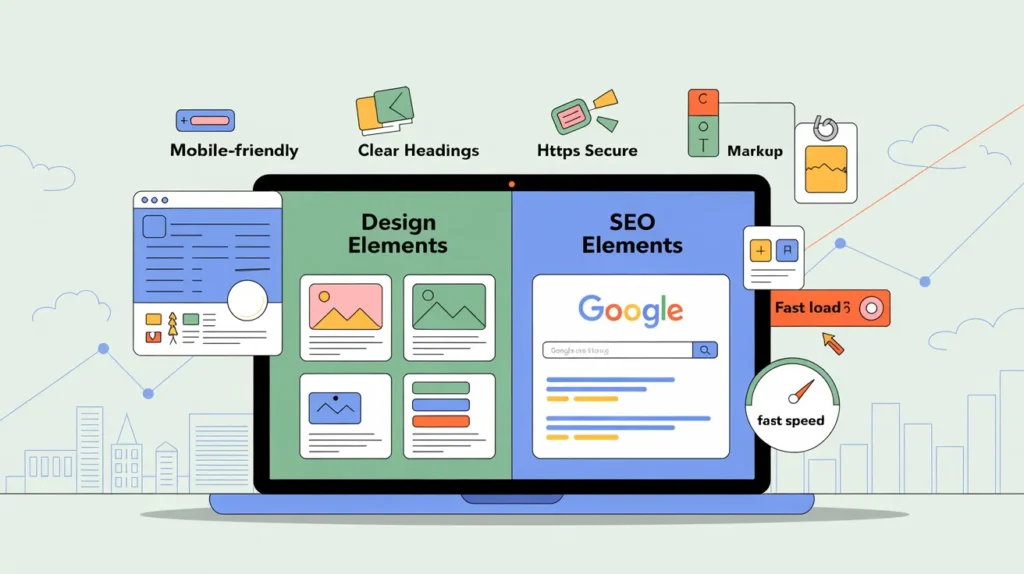
Get Found. Get Clicks. Get Customers. You can have the most beautiful website in the world, but if no one can find it on Google, it’s like opening a store in the middle of the desert; nobody sees it. That’s why in 2025, modern web design and SEO (Search Engine Optimization) must work together. An SEO-friendly website is built not just to look great but to rank higher in search engines, attract the right audience, and turn visitors into customers. In this guide, we’ll delve into the benefits of SEO-friendly web design, why it’s a game-changer for your business growth, and how you can implement it to boost visibility, leads, and sales. 💡 What Does “SEO-Friendly Web Design” Really Mean? Let’s Break It Down in Practical Terms: SEO-friendly web design is the practice of building a website that both humans and search engines can easily understand. It’s more than just adding keywords; it’s about how your site is coded, structured, and presented. Think of it like building a house: SEO is the blueprint (the structure Google reads) Design is the interior (the look and feel for visitors) Together, they create a space people want to visit, and Google wants to rank When done right, SEO-friendly design ensures: Search engines can crawl and index your content easily Visitors can find what they need quickly Your site works fast and flawlessly on any device 🔍 Top Reasons Why SEO-Friendly Web Design Grows Your Business 1️⃣ Better Rankings = More Organic Traffic Websites with clean code, optimized images, and proper heading structures (H1, H2, H3) rank higher on Google. Higher rankings mean: More visibility without paying for ads A steady stream of potential customers Long-term growth that compounds over time 💡 Fact: 75% of users never scroll past the first page of Google. If you’re not there, you’re missing sales. 2️⃣ Improved User Experience (UX) Google rewards websites that put users first. An SEO-friendly website is: Easy to navigate Clear in layout and messaging Fast-loading and mobile-friendly Secure (HTTPS protection) When visitors find your site simple to use, they stay longer, explore more, and are more likely to convert into paying customers. 3️⃣ Mobile Optimization = More Customers In 2025, mobile-first indexing is standard. Google ranks your site based on its mobile version first. If your mobile site is: Slow to load Hard to read Difficult to navigate … you’re losing leads every single day. 💡 Tip: Use a responsive design, so your website automatically adjusts to any device, desktop, tablet, or smartphone. 4️⃣ Faster Load Times = Higher Conversions Studies show: A 1-second delay can drop conversions by 7–20% Users expect websites to load in under 3 seconds Faster websites: Keep visitors engaged Lower bounce rates Increase the number of people who buy, call, or book 5️⃣ SEO-Friendly Sites: The Bedrock of Trust in Online Business. When your website is: Visually consistent Professional in tone Secure and easy to use …your audience sees your business as credible and trustworthy. And trust leads to more inquiries, more customers, and more sales. 🔑 Key Features of an SEO-Friendly Website An SEO-optimized design should include: ✅ Clear, readable URL structure (e.g., yoursite.com/services/web-design) ✅ Keyword-rich titles and headings ✅ Optimized images with descriptive alt text ✅ Fast-loading, mobile-responsive layout ✅ Internal links between relevant pages ✅ Meta descriptions and title tags for every page ✅ Secure SSL certificate (HTTPS) ✅ Schema markup for enhanced Google results 🛠️ Real-Life Success Stories Local Bakery: Upgraded to a mobile-friendly, SEO-optimized website. Within 3 months, organic traffic doubled, and online orders increased by 70%. Tech Startup: Redesigned their site with SEO-focused architecture. Sign-ups increased by 50% in just 8 weeks. These results prove that SEO-friendly web design isn’t just theory, it’s measurable business growth. ❓ Q&A: Common SEO-Friendly Design Questions Q: “My site looks good, does it still need SEO?“ A: Yes. Even a stunning website can be invisible online without SEO essentials like fast speed, keyword-rich content, mobile optimization, and proper headings. Q: “Do I need a developer for SEO-friendly design?“ A: Basic SEO (like compressing images and structuring headings) can be done in WordPress or site builders. However, for advanced optimizations like code cleanup, schema markup, and technical SEO, collaborating with a professional can significantly save time and enhance results. 🚀 Steps to Make Your Website SEO-Friendly Start with keyword research – Know what your customers are searching for. Choose a responsive design – Ensure your site looks great on any device. Optimize your content – Use keywords naturally in headings, paragraphs, and meta descriptions. Speed up your site by compressing images, enabling caching, and using reliable hosting. Secure your website – Install an SSL certificate to protect data and build trust. Link internally – Guide users (and Google) to related pages on your site. Monitor performance – Use tools like Google Analytics and Search Console. ✅ Final Thought: Design for People. Optimize for Google. In today’s competitive market, SEO-friendly web design isn’t optional; it’s essential. If you want your website to rank higher, attract more visitors, and convert them into customers, you must combine excellent design with solid SEO principles from the start. Whether you’re launching a new site or improving your existing one, remember: Design draws people in SEO helps them find you Together, they grow your business 📞 Want an SEO-friendly website that gets results? Contact us today for a free consultation and start turning your website into a lead-generating machine. Search Search How to Write Website Copy That Turns Visitors Into Customers The Complete Guide to Choosing the Right Website Platform for Your Business 5 Website Features Every Local Business Needs to Win More Customers How to Get Your Business Found on Google Maps in 30 Days The Beginner’s Guide to SEO for Canadian Businesses How can we help you? Contact us today for more information Contact Us Share on social Facebook LinkedIn X WhatsApp Pinterest Pocket
WordPress vs. Custom Web Design: Which Is Right for Your Business?
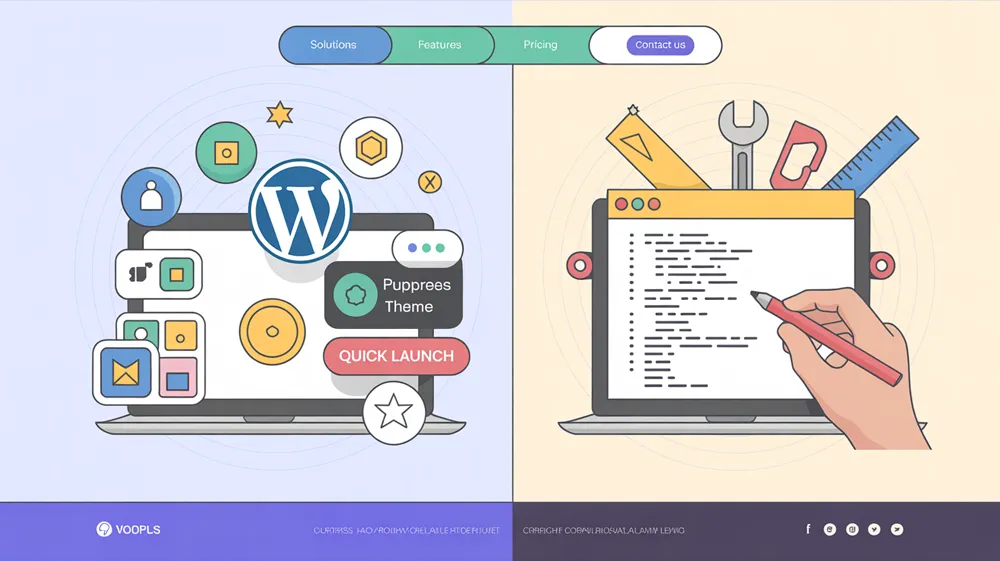
If you’re building or revamping your business website, you’ve probably wondered: Should I go with WordPress or invest in custom web design? The right choice depends on your budget, business goals, and how much control you want over design and features. In this guide, we’ll break down the pros and cons of each approach to help you choose the best option for your business. 🔍 What Is WordPress? WordPress is an open-source content management system (CMS) used by over 40% of websites on the internet. It allows you to build a professional site using pre-made themes and plugins—no coding required. Why Choose WordPress? Free to use (open-source) Easy to install and set up Thousands of themes and plugins SEO-friendly structure Mobile responsive options Built-in blogging capabilities Ideal for small to medium-sized businesses 🛠️ What Is Custom Web Design? Custom web design involves building a site from scratch, fully tailored to your brand’s identity, goals, and user needs. This process usually requires a web developer or a professional agency. Why Choose Custom Web Design? 100% unique look and layout Custom-built features and integrations Complete control over performance and security Scalable for future growth Enhanced user experience Stronger branding and market differentiation ⚖️ Key Differences: WordPress vs. Custom Web Design 💰 Cost WordPress is generally more affordable. You can launch a site for as little as $1,500 with basic features. Custom design is more expensive. Expect to pay anywhere from $5,000 to $50,000+, depending on complexity. ⚙️ Flexibility WordPress relies on pre-built themes and plugins, which may limit design or function. Custom design offers complete freedom—every aspect of the website is tailored to your needs. 🛠️ Maintenance WordPress makes updates easy through a simple dashboard. No technical skills required. Custom websites often require a developer for updates, changes, or bug fixes. ⏱️ Time to Launch WordPress sites can go live in a few days to a few weeks. Custom sites may take 1 to 3 months, depending on scope and development. 📈 Scalability WordPress works well for small to mid-sized businesses. Custom websites are better suited for growing or complex businesses that need advanced systems. 🎨 Design Control WordPress themes offer decent design but may look generic unless customized. Custom design gives you complete creative control and a truly unique brand presence. 🚀 Performance and SEO WordPress can be fast and SEO-optimized using the right plugins (e.g., WP Rocket, Rank Math). Custom websites are leaner and can be highly optimized for performance and search engine rankings from the ground up. ✅ When WordPress Is the Right Choice Use WordPress if you: Need a simple website up and running quickly Have a limited budget Want to manage content on your own Plan to use standard features like blogs, contact forms, or image galleries Prefer a DIY approach with less dependency on developers Want a SEO-friendly and mobile-responsive site without coding 💡 Tip: Pair WordPress with a modern theme like Astra or Hello Elementor, and add essential plugins for speed, SEO, and security. 🚀 When Custom Web Design Is Worth It Go custom if you: Require complex features or third-party integrations Want a unique design that reflects your brand identity Are scaling a fast-growing business Need advanced security, speed, or multilingual functionality Plan to invest in a premium user experience Want to stand out in a competitive industry Custom websites are ideal for: SaaS platforms E-commerce stores with custom checkout processes Large corporations or franchises Non-profits with specialized workflows 🔐 Ongoing Maintenance WordPress: Most updates are simple and can be handled in-house. Custom websites: You may need ongoing support from a developer or agency, especially for technical issues or new features. 🎯 SEO and Performance Both options can be SEO-optimized, but with key differences: WordPress: Great with SEO plugins like Rank Math or Yoast. Speed depends on hosting and plugin usage. Custom: Leaner code, faster load times, and more control over on-page SEO elements like schema markup and Core Web Vitals. If search engine rankings are a top priority, a custom-built site gives you more Flexibility and control. 📊 Summary: Which Option Is Best for Your Business? Choose WordPress if: You’re launching quickly and affordably. You want to manage the site yourself. You’re a small to medium-sized business. You’re OK with using templates or plugins. You need a blog or a basic e-commerce site. Choose Custom Web Design if: You have a larger budget and bigger goals. You need advanced or unique features. You want a premium, branded user experience. You’re building a scalable platform or web app. You need complete control over design, speed, and security. 🧠 Final Thoughts: Start Smart, Scale Strategically There’s no one-size-fits-all solution when it comes to building your online presence. WordPress is excellent for startups and small businesses looking to launch quickly, cost-effectively, and professionally. Custom web design is perfect for growing brands that need a tailor-made platform to deliver a standout digital experience. 👣 Still unsure? Many businesses start with WordPress, then switch to a custom design as they grow and expand. 💬 Ready to Build the Right Website? If you need help deciding what’s best for your business, we offer free consultations to walk you through your options. 📞 Let’s chat and create a plan that aligns with your goals and budget. Search Search How to Write Website Copy That Turns Visitors Into Customers The Complete Guide to Choosing the Right Website Platform for Your Business 5 Website Features Every Local Business Needs to Win More Customers How to Get Your Business Found on Google Maps in 30 Days The Beginner’s Guide to SEO for Canadian Businesses How can we help you? Contact us today for more information Contact Us Share on social Facebook LinkedIn X WhatsApp Pinterest Pocket
Blogging for Local SEO in Ottawa: The Ultimate Guide
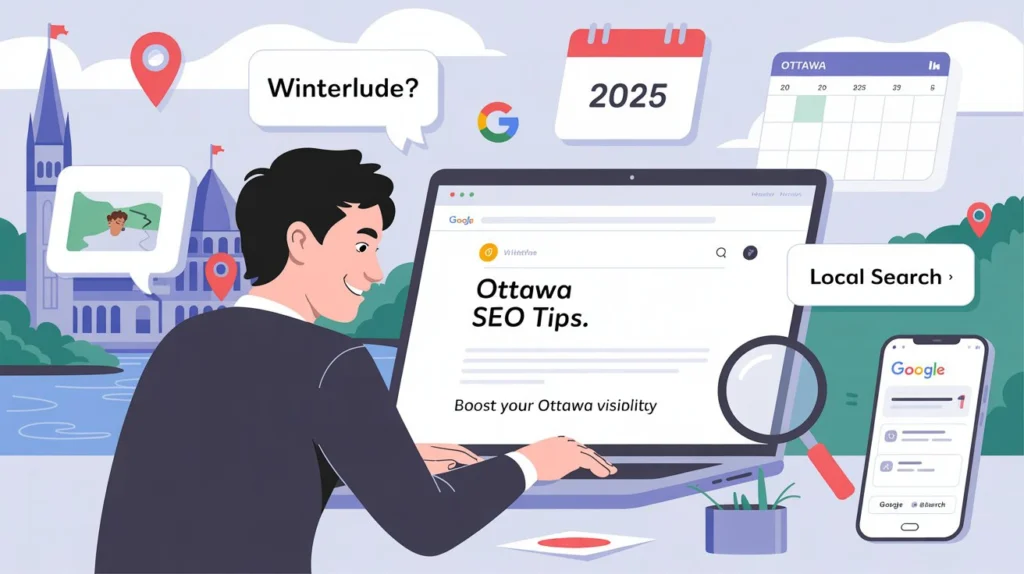
Local Content: Your Gateway to Real Customers. If you’re a small business owner in Ottawa, blogging isn’t just an online trend; it’s your secret weapon for showing up on Google and local answer engines like ChatGPT, Perplexity, and Bing AI. But here’s the truth: Not all blogs drive results. However, with the right approach, your blog can be a powerful tool to attract Ottawa-based clients. In this guide, you’ll learn how to create blog content that ranks well in Ottawa search results and turns clicks into customers in 2025. Let’s dive in. 👇 1. Use the Keyword “Ottawa” Often, But Keep It Natural Search engines like Google and answer engines like ChatGPT love local signals. These clues tell them your content is relevant to people searching your city. Here’s how to optimize your blog content: Use “Ottawa” in your blog titles, subheadings, meta descriptions, and content body. Mention specific Ottawa neighborhoods like Kanata, Nepean, Orleans, Barrhaven, and Centretown. Include popular Ottawa landmarks, events, and local references like “Winterlude,” “ByWard Market,” or “Rideau Canal.” 💡 Instead of writing: “We’re the top landscaping service.” Say: “We offer top-rated landscaping services in Ottawa, serving areas like Kanata and Nepean.” This boosts your local SEO in Ottawa and builds trust with your audience. 2. Answer the Questions Your Ottawa Customers Are Asking One of the most effective blogging strategies for local SEO in Ottawa is to create content that answers fundamental questions. Use your blog to address: “Where can I find affordable website design in Ottawa?” “Best SEO companies near Kanata in 2025” “How to promote a local business during Ottawa festivals” When your content answers these types of questions: Google rewards it with higher rankings. ChatGPT and Perplexity are more likely to cite or summarize it. Local readers trust you as the expert and are likelier to reach out. ✅ Use tools like Google’s “People Also Ask,” AnswerThePublic, and even ChatGPT to research common local queries. 3. Write About Ottawa Events, Seasons & Local Trends A blog that feels active, current, and community-connected wins more attention. Content ideas tied to Ottawa’s calendar: “Top Local SEO Trends in Ottawa for Spring 2025” “How We Helped an Orleans Salon Triple Bookings Before Winterlude” “Holiday Marketing Tips for Ottawa Small Businesses 🎄” “Ottawa Web Design Mistakes to Avoid This Year” This type of content shows that: Your business is involved in the local community. You stay up to date with what Ottawa clients care about. You know how to serve Ottawa-based businesses with relevant insights. And it keeps your website fresh, which Google loves. 4. Embed Google Maps, Local Links & Location Tags Don’t underestimate the power of location-based elements in your blog posts. These small touches seriously boost your visibility in local searches. Here’s what to include: Embedded Google Maps pins for your business location. Links to your Google Business Profile. Mentions of your service area (e.g., “serving Ottawa and Gatineau”). Driving directions or proximity to Ottawa landmarks. Example: “Our office is located just 10 minutes from Ottawa City Hall. Drop by or book a free consultation today.” These additions help you appear in Google’s Local Pack, build trust, and improve your Ottawa SEO rankings. 5. Use Local Photos and Visuals (If Possible) Photos speak louder than words; local images can increase trust and visibility. Try including: Photos of Ottawa landmarks like Parliament Hill or Dow’s Lake. Pictures of your team at local events or client locations. Before/after images of Ottawa-based projects. Bonus: These images can rank in Google Images, add authenticity, and increase time on site—another SEO signal. Don’t have your photos? Try free local image sources, or hire a local photographer for a quick shoot around town. 6. Stay Consistent: Keep It Simple, Regular & Focused You don’t need to post every week to succeed at blogging for local SEO in Ottawa. ✅ Instead, aim for: One or two high-quality blogs per month 500–1,000+ words each Solving a real problem or answering a fundamental question Clean formatting with headers, bullet points, and clear calls to action 📌 Pro Tip: End every blog with a strong call to action inviting readers to book a quote, request info, or contact you directly. 7. Example Blog Titles That Drive Local SEO Success Need help getting started? Here are some blog title ideas that naturally target “Local SEO in Ottawa” and get people to click: “Why Every Ottawa Business Needs Local SEO in 2025” “How an Ottawa Gym Got 5X More Website Traffic with Our Help” “Affordable Web Design for Small Businesses in Ottawa: A 2025 Guide” “Top 5 Mistakes Ottawa Businesses Make with Their Blogs (and How to Fix Them)” “SEO Case Study: How We Helped an Orleans Salon Triple Bookings” These titles include location, solution, and curiosity, the perfect combo for high click-through rates. 🚀 Final Thoughts: The Future of Local SEO in Ottawa In 2025, blogging will be more than just a tool for thought leadership; it will also be one of the most cost-effective ways to rank on Google and stand out in answer engines like ChatGPT. By creating consistent, helpful, and locally relevant content, your Ottawa business can: Show up in local search results Attract genuine, qualified leads from your area Build credibility and trust And ultimately, convert readers into customers It’s not about ranking everywhere. It’s about ranking where it counts, right here in Ottawa. 📞 Ready to Start Blogging for Local SEO in Ottawa? It’s time to take the first step towards boosting your online visibility and attracting local customers. We help Ottawa-based businesses grow online with clean websites, high-converting blog content, and effective SEO strategies. Let’s turn your blog into a powerful lead-generation tool. 📨 Book a free consultation today 💬 Let’s talk about your next blog idea 🌐 Visit us online at webbyguy.com Search Search How to Write Website Copy That Turns Visitors Into Customers The Complete Guide to Choosing the Right Website Platform for Your Business 5 Website Features Every Local Business Needs to Win